Wash Card
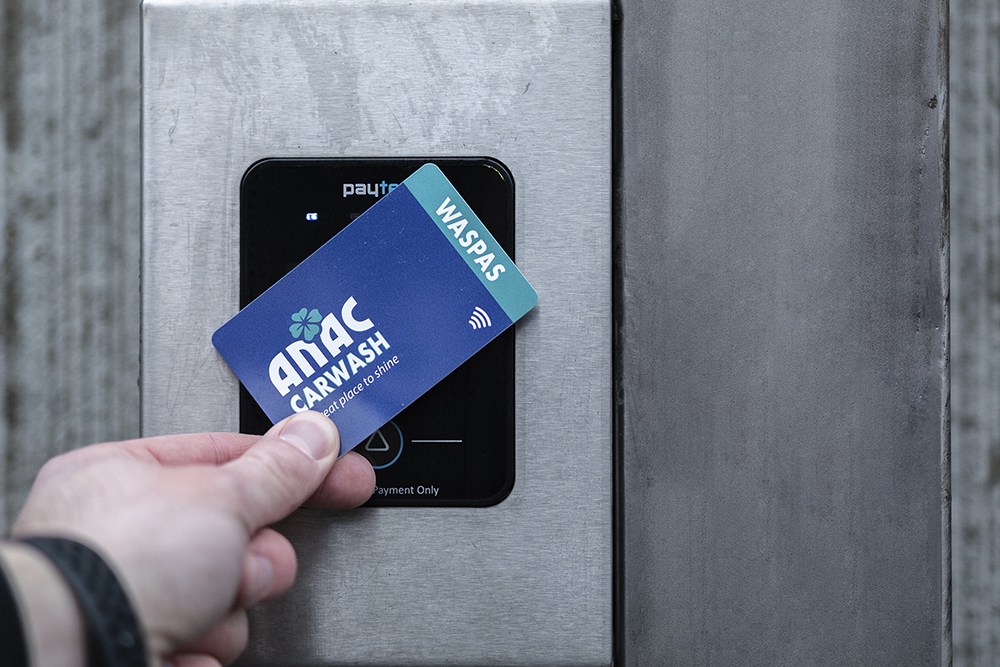
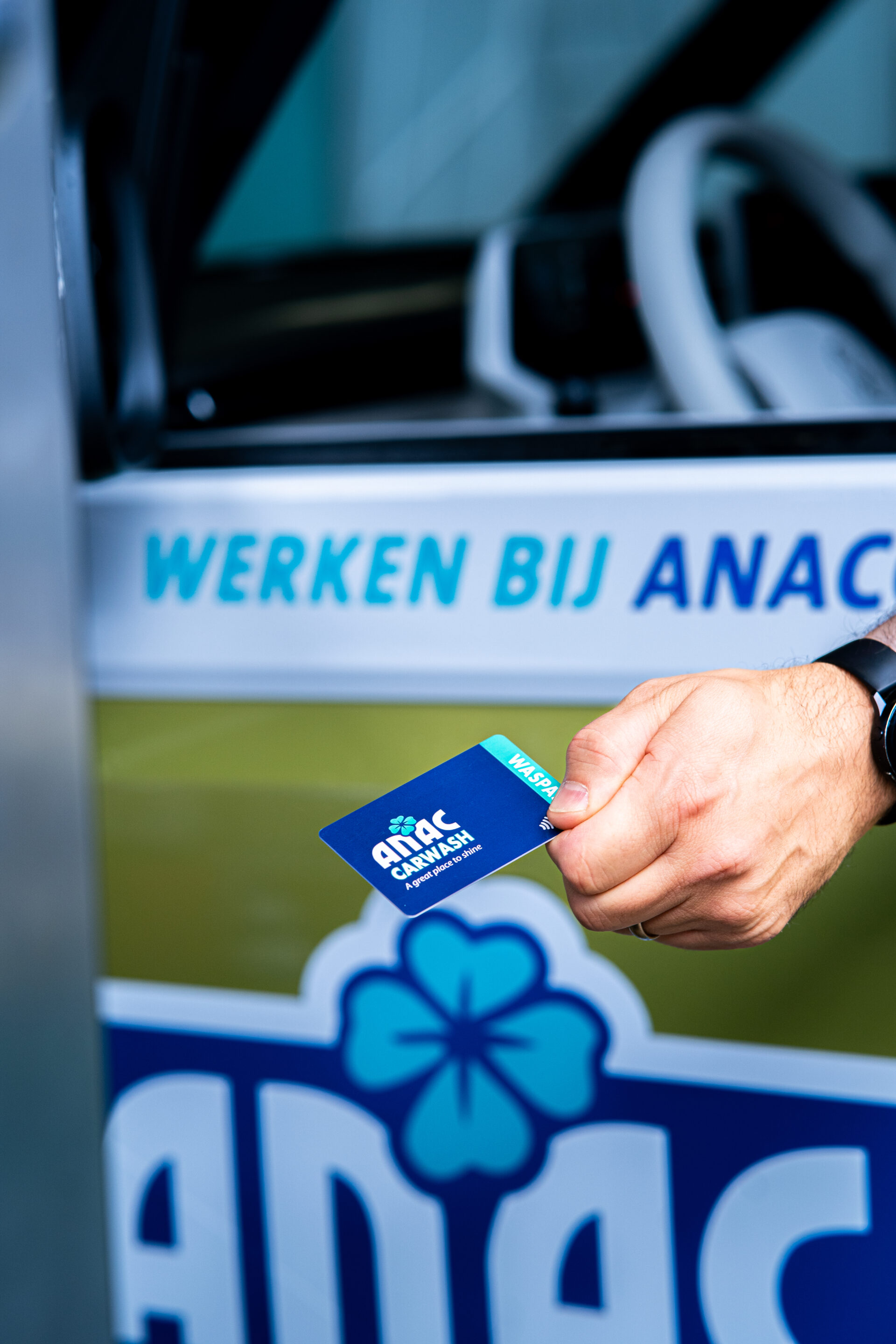
With the ANAC Waspas, you always benefit from affordable and carefree car washing. You can easily request the pass at the checkout of your ANAC branch and use it immediately at all our locations.
With the ANAC Waspas, you can visit all ANAC car washes, wash boxes, and vacuum courts.
In addition, you always have insight into your spending. You can find all your invoices and transactions clearly in your personal online customer portal under ‘My transactions’.

Your benefit
- Discount up to €4 per wash
- Extra wash credit when topping up from €50.00
- €3.50 extra wash credit upon registration
- Top up and manage online
(Un)block Prepaid Wash Card
We aim to process your request to (un)block the ANAC Prepaid Wash Card as quickly as possible. After submitting this form, we will block your card and send you a new one. For this, we will deduct €5 from your balance.
Wash Card FAQ
Do you have a question? There is a good chance you will find the answer in our frequently asked questions. Is your question not listed? Then fill out the contact form: choose the right category, ask your question, and leave your details. Customer service will be happy to help you as quickly as possible.
How can I cancel my Waspas and have the remaining balance refunded to my bank account?
How can I cancel my Waspas and have the remaining balance refunded to my bank account?
To process the cancellation and refund, please provide us with:
- A photo of the registered ANAC Waspas
- The bank details (IBAN and account holder name) where the remaining balance can be refunded
- An administration fee of €5 will be deducted for processing the refund.
This information can be sent by email to finance@anaccarwash.com
How do I get an invoice?
How do I get an invoice?
You can request and export a (VAT) invoice in your personal ANAC customer portal. Log in to your account. Once logged in, you will find all your invoices under “my transactions”.
I lost my Waspas. How do I block my wash card?
I lost my Waspas. How do I block my wash card?
You can block your Waspas at www.anaccarwash.com/prepaid-waspas/ by filling out the form. Your card will be blocked and a new card will be linked to your current customer number and wash credit. This card will be sent to you. For this, we will deduct €5 from your balance.
Please note! Only registered cards can be blocked.
I found my lost Prepaid Waspas again. What should I do?
I found my lost Prepaid Waspas again. What should I do?
You can request that we unblock your registered Waspas by filling out the (un)blocking form https://www.anaccarwash.com/prepaid-waspas/ and mentioning in the “comments” field that you want to unblock the card. You must attach a photo of your recovered registered Waspas. If we have already linked a replacement card, we can no longer reverse the costs (€5.00). These costs have been/will be deducted from your wash credit.
Please note: we can only provide this service for registered wash cards!
I want to log in to my Waspas to top up online; my login details are correct, yet I still can't log in. What can I do?
I want to log in to my Waspas to top up online; my login details are correct, yet I still can't log in. What can I do?
Are you unable to log in to your ANAC account even though your login details are correct? This problem can be solved by clearing your cache. The cache is where certain data (history) is stored. Clearing your web browser’s cache ensures that the latest versions of webpages and programs are loaded in the browser. This may resolve display and/or login issues. If this doesn’t solve the problem, you can contact customer support at: info@anaccarwash.com
If you haven’t registered your Waspas yet, you can easily request a new password at the car wash checkout.
I want to register my Waspas but I don't have a password. How can I get a new one?
I want to register my Waspas but I don't have a password. How can I get a new one?
You can bring your pass to one of our locations, where a new password can be printed for you on the spot. You can then complete the registration using your pass number and password.
Can I link an additional Waspas to my current one?
Can I link an additional Waspas to my current one?
This is possible! Ask at our checkout for a non-activated prepaid Waspas and then email a photo of the back of both cards (showing the card numbers) to info@ANACcarwash.com. We’ll take care of the rest.
Can I convert my Waspas credit into an ANAC Unlimited subscription?
Can I convert my Waspas credit into an ANAC Unlimited subscription?
You can use your Waspas credit to pay for the first few months of ANAC Unlimited. This will be calculated pro rata based on the number of days. Any remaining amount will be rounded up to a full day. You can choose how much of your balance you want to use for the Unlimited subscription. On the website https://www.anacunlimited.com/ you can indicate that you already have an ANAC account. You can log in with your own credentials and the existing credit will be applied.
If you haven’t registered your Waspas yet, you can easily request a new password at the car wash checkout.
For more information about ANAC Unlimited, please see the FAQ ‘ANAC Unlimited’.
What should I do if my Waspas is defective?
What should I do if my Waspas is defective?
You can request a new one via www.anaccarwash.com/prepaid-waspas/. Your card will be blocked, and a new card will be linked to your current customer number and wash credit. This new card will be sent to you.
For this, we will deduct €5.00 in administration fees from your balance.